A dive day rarely stays exactly as planned. A guest arrives late. Weather changes the boat schedule. An instructor is unavailable. A course group needs to move. The operational question is never simply what is booked; it is what should happen next.
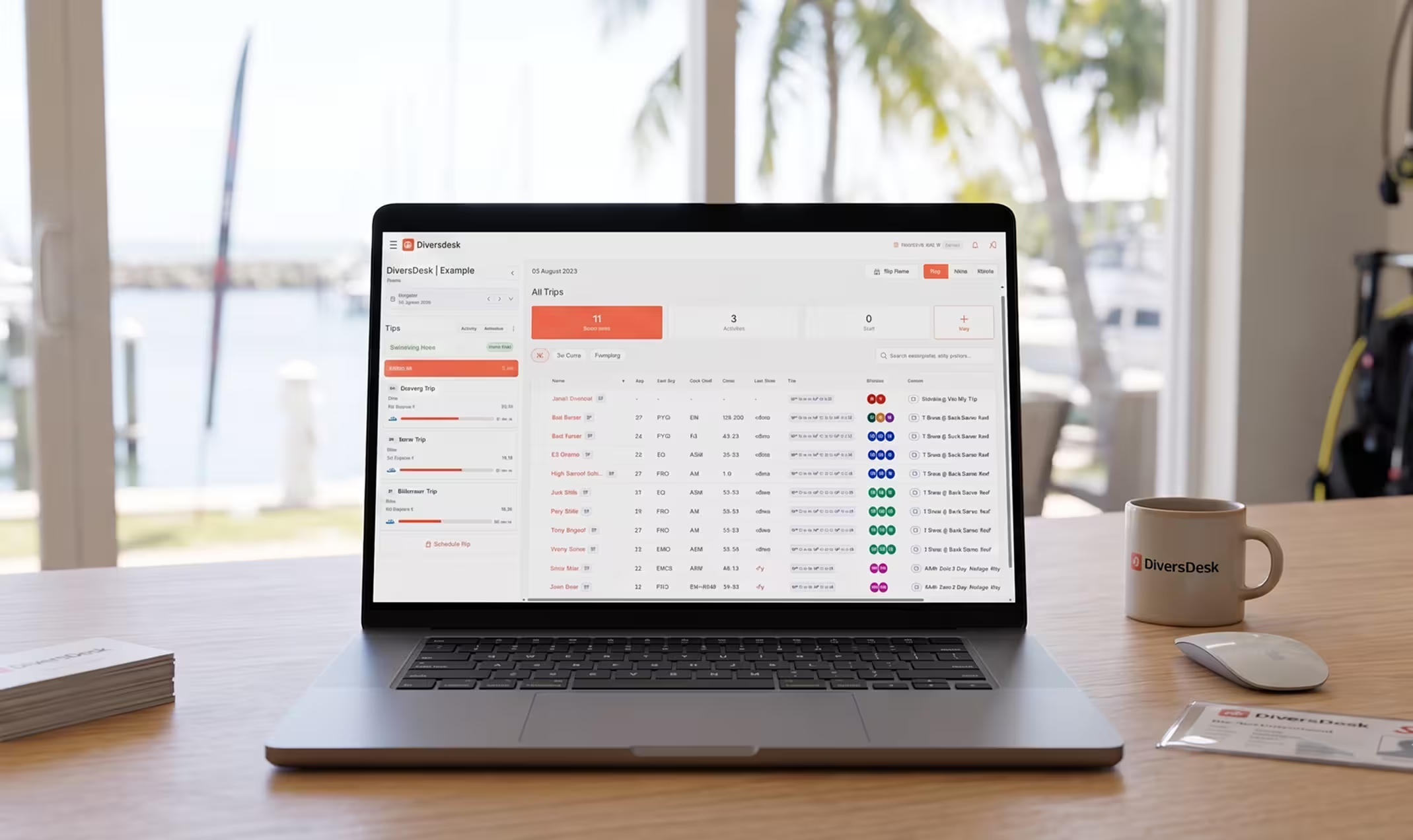
That is why we are exceptionally proud to introduce Diversdesk’s New Planner. It is a new operational workspace built around the real pace of dive centers, resorts, and activity teams: a single place to see the day, make decisions, and act on them.
It is built to be powerful in complex operations, intuitive for day-to-day teams, and incredibly flexible when plans change fast.
Built for the Reality of a Dive Day
Planning is not a static calendar exercise. It is a continuous series of small decisions that need to be clear to the entire team. The New Planner is designed to make those decisions visible: which trips are running, which guests still need a place, who is available to lead them, and where capacity needs attention.
Instead of working across disconnected booking cards and mental notes, your team can work from one shared operational picture.
One Operational Picture, from Today to Next Month
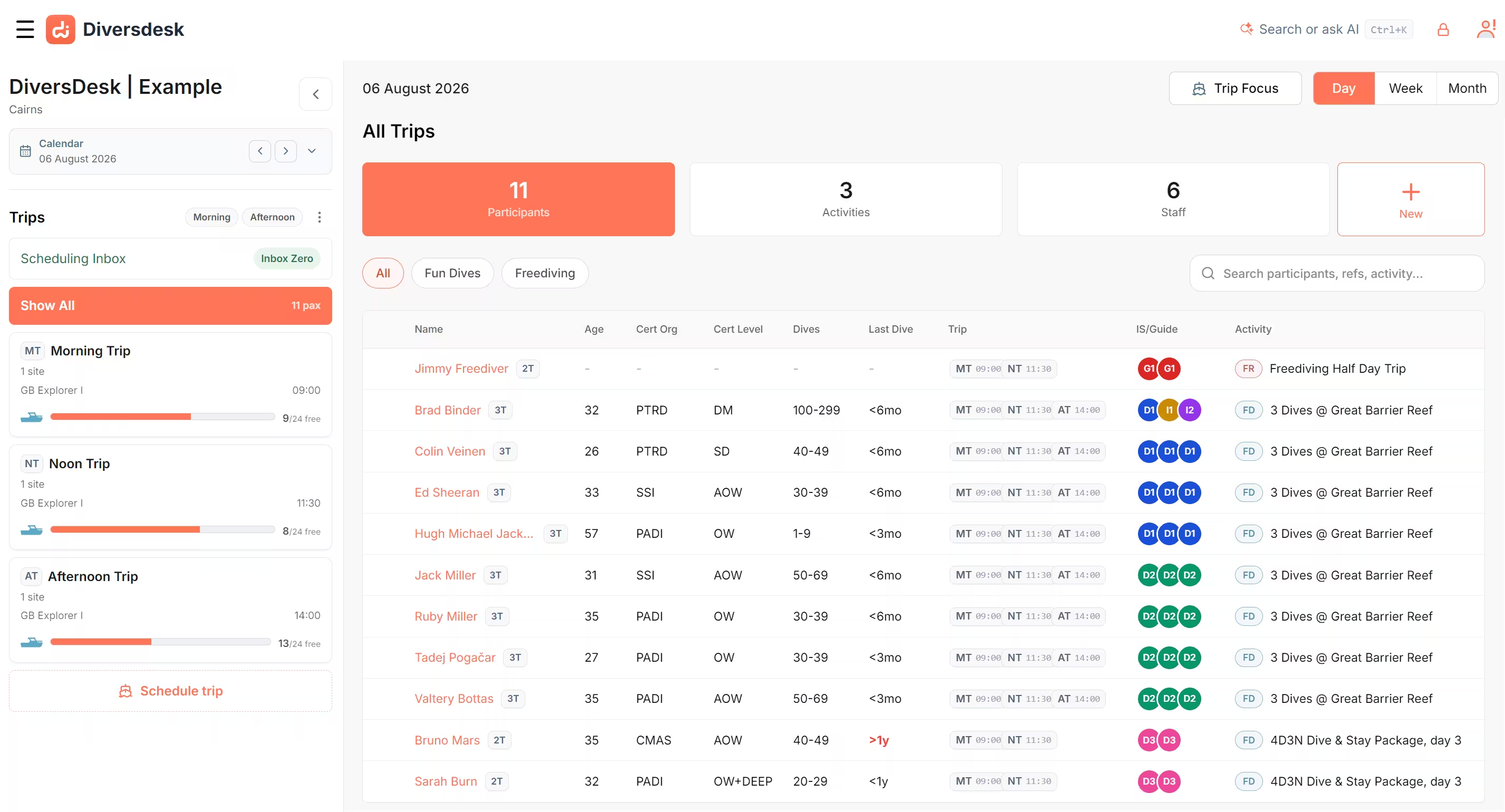
The New Planner lets your team move naturally between the detail and the bigger picture. Use the Day view to run the operation in front of you, the Week view to prepare workloads and trips ahead, and the Month view to spot pressure points and unscheduled work early.
Then choose the lens that fits the task. In Trip Focus, you can organise guests around capacity, boats, and trip plans. In Staff Focus, you can see availability and workloads across instructors, guides, and the wider team. The same planner lets you switch between those two operational questions without losing the wider context.
Move from Decision to Action
The heart of the New Planner is direct, visual planning. Guests who still need a trip are visible in an Unscheduled area. Select one guest or a full group, then drag them onto the right trip. Need to change the plan? Move them to another trip, or return them to Unscheduled while you work out the next step.
This makes the usual operational moments far easier to manage: moving a group after a weather change, consolidating a lightly booked boat, placing a last-minute booking, or taking a cancelled group off the schedule. The plan changes where everyone can see it.
The workflow is not only about what still needs work. It also makes progress visible. As teams work through Scheduling or Assigning, the planner drives toward inbox zero and can point the team straight to the next operational queue when one side is finished but the other still needs attention.
Plan Guests and Staff Together
A full boat is not a ready boat without the right team. The New Planner connects guest and staff planning in the same operational flow. Select a group and assign an instructor or guide, review who is already scheduled, and reassign work when availability changes.
- Assign a course group in one action: select the guests, trip, and instructor together.
- Assign across multiple trips when needed: bulk actions can target more than one selected trip instead of forcing one trip at a time.
- Respond to staff absences: switch to Staff Focus and move affected work to an available team member.
- Keep handovers clear: review trips, guests, and assignments from the same screen before the next shift begins.
This is especially helpful for multi-trip participants and mixed operational days. When one decision affects more than one trip, the planner can ask the team exactly which trip should be changed, helping speed stay precise.
Capacity Without the Guesswork
Speed only helps when it remains controlled. The New Planner keeps trip capacity in view and surfaces warnings before you confirm an overbooking or guide-to-guest exception. That gives your team an opportunity to adjust the plan, split the group, use another trip, or deliberately approve the exception according to your own operating rules.
When a trip is over capacity, that pressure is visible directly in the planning view instead of being buried in a detail screen. Repeatable operations are easier too. Trip templates help create consistent setups for recurring morning, afternoon, and night trips, regular boat runs, and standard course schedules.
A Powerful Planner, Still Learning from Operations
We call it the New Planner because we want real operating teams to shape what comes next. It is already a powerful step forward from the legacy Planner, with trip and staff views, inbox-driven scheduling and assigning, direct drag-and-drop planning, bulk actions, filters, capacity guidance, and reusable templates in one workspace.
But the best planning tools are built close to the people using them at 7:00 in the morning, when the boat list changes and the team needs clarity. We are excited to keep refining the New Planner with the feedback of dive professionals who live that reality every day.
See It in Your Own Operation
Whether you run high-volume fun dives, multi-day courses, resort operations, or a mix of everything, the New Planner is designed to make the operational picture easier to understand and easier to change.
Book a Diversdesk demo to see how the New Planner can fit your dive operation.