Set Your Own Default Tank Sizes and Blends
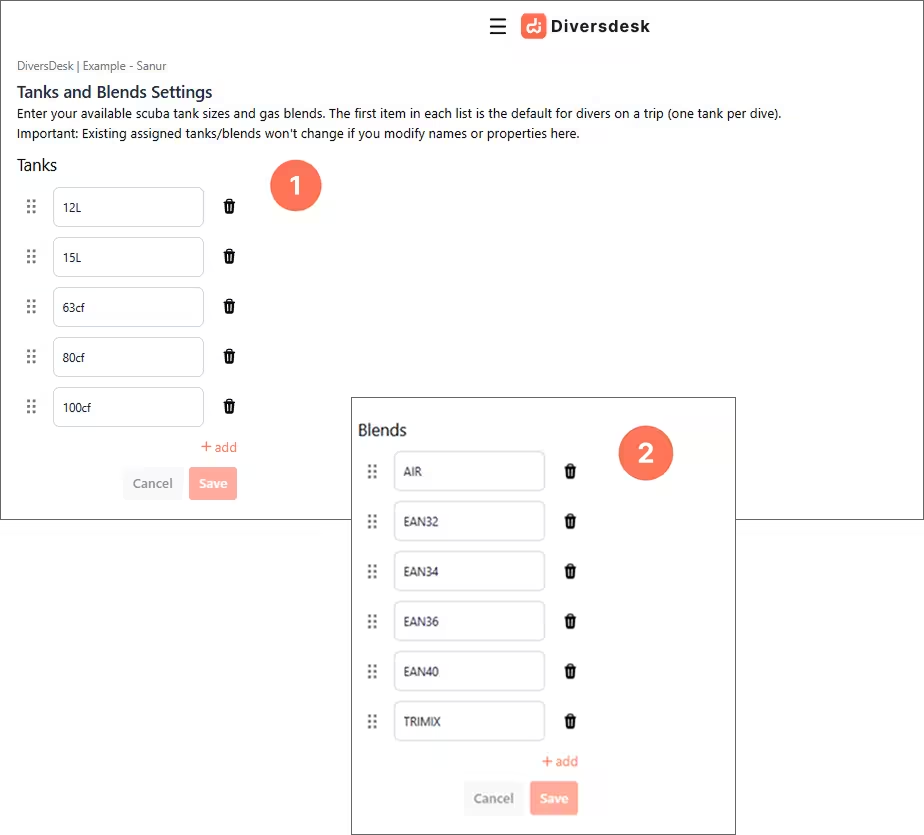
Different regions use different standard tank sizes. With this setup, you can create a default list of tanks and blends that matches your operation. Once saved, the bookings will use these defaults, which saves setup time and keeps your workflow consistent with local standards.
To set up your defaults, go to Settings > Tank and Blends.
Set up Tanks (1) and Blends (2) to define what standard you use.
How Defaults Appear in Bookings
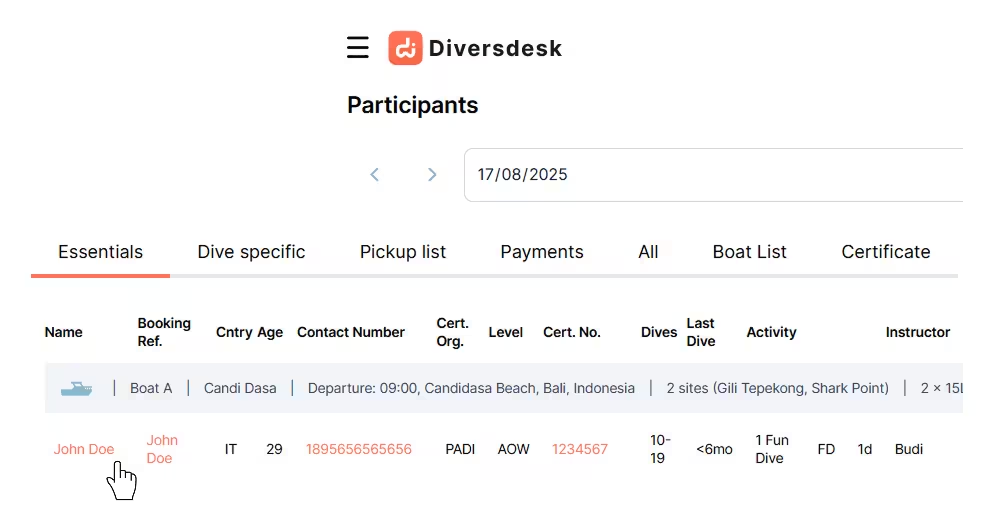
Section titled “How Defaults Appear in Bookings”In the Detailed Day view, as part of a gear check, when you click the participant’s name, you will see the details column on the right.
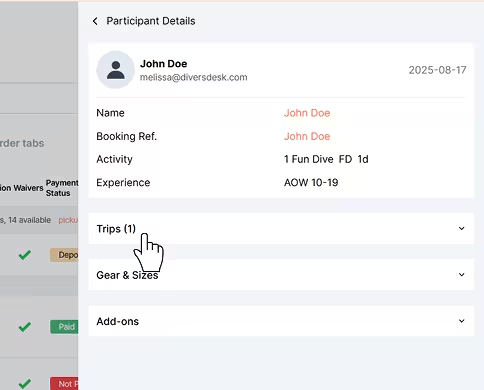
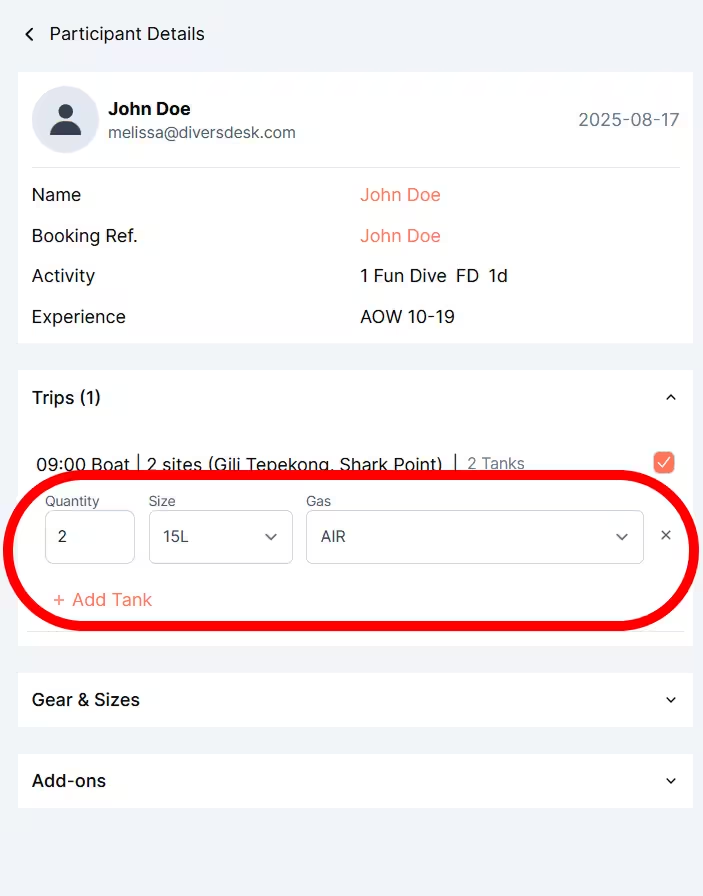
In the Trip section you can select the tank and blend for that participant. The dropdown displays the tanks and blends from your default setup, and you can adjust the choice for each customer as needed.