23 Oct 2026 - Waivers, Invoices & Payment Improvements
Release Date: October 23, 2026
This release lets you set waiver requirements by age and adds more control over invoice details. A new payment column makes it easier to review payments made in a different currency from the booking, alongside improvements to liveaboard partner payments and notifications.
Everyday Bookings and Administration
Section titled “Everyday Bookings and Administration”Waiver requirements based on age
Section titled “Waiver requirements based on age”You can now choose whether a waiver is always required or required based on age in a registration form. For example, require a parental consent form for guests under 18, or an additional form for guests aged 50 and over.
Age is calculated on the activity start date, or on the current date if no activity is assigned. Date of birth is required when an age condition applies. Existing waiver requirements stay the same until you edit them.
More control over invoice details
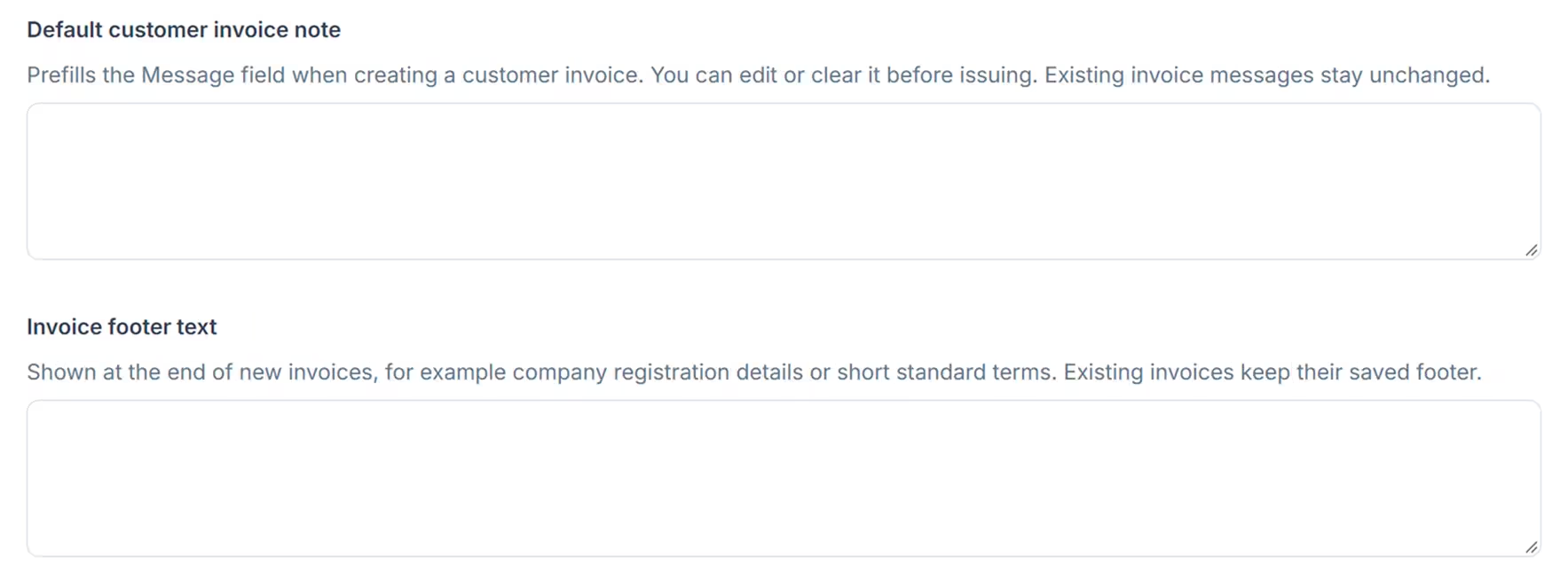
Section titled “More control over invoice details”The Invoice Settings page lets establishment administrators set the business address, default message and footer used on customer invoices. You can edit or clear the default message when creating an invoice.
Issued invoices retain their saved business address and footer, so later changes to your settings do not alter those details on existing invoices.
See payments made in a different currency
Section titled “See payments made in a different currency”The new Alt. Pay Currency column on the Payments page shows the original amount and currency when a payment was made in a different currency from the booking. Its tooltip shows the equivalent in the booking currency and the exchange rate, making these payments easier to check.
Payment CSV exports now include Payment Currency and Payment Amount, making it easier to reconcile payments received in another currency.
Record guests who found you through AI assistants
Section titled “Record guests who found you through AI assistants”The How did you find us? options now include AI assistant (ChatGPT, Gemini, etc.), so you can record guests who discovered your business through these tools.
Other improvements
Section titled “Other improvements”Improved the visibility of activity add-ons during registration and checkout, and corrected how participant add-ons are included in payment totals.
Updates for Liveaboard Operators and Booking Partners
Section titled “Updates for Liveaboard Operators and Booking Partners”These changes apply when you use liveaboard partner bookings and invoicing.
Separate invoice settings for customers and partners
Section titled “Separate invoice settings for customers and partners”Liveaboard operators can configure separate business addresses, default notes and footers for customer and partner invoices.
Partner invoice numbers can follow the booking number, share the customer invoice sequence or use a separate sequence. Existing establishments keep their current numbering settings unless an administrator changes them.
Record a partner transfer from the booking
Section titled “Record a partner transfer from the booking”For approved partner bookings that are still on Option, the partner Add payment action now lets you record the amount received after commission and confirm the booking in the same step, where the partner collects the scheduled payment.
The form shows the partner invoice total, commission and expected transfer amount, helping you check the payment before saving.
Choose a separate partner notification email
Section titled “Choose a separate partner notification email”Partner accounts now have an optional Notification email for booking and payment notifications. This lets you send operational messages to the right inbox without changing the partner’s company or contact details.
If this field is blank, notifications use the point-of-contact email, or the company email if no point-of-contact email is set.