How to adjust the price, dives, tax, or discount of a booking item
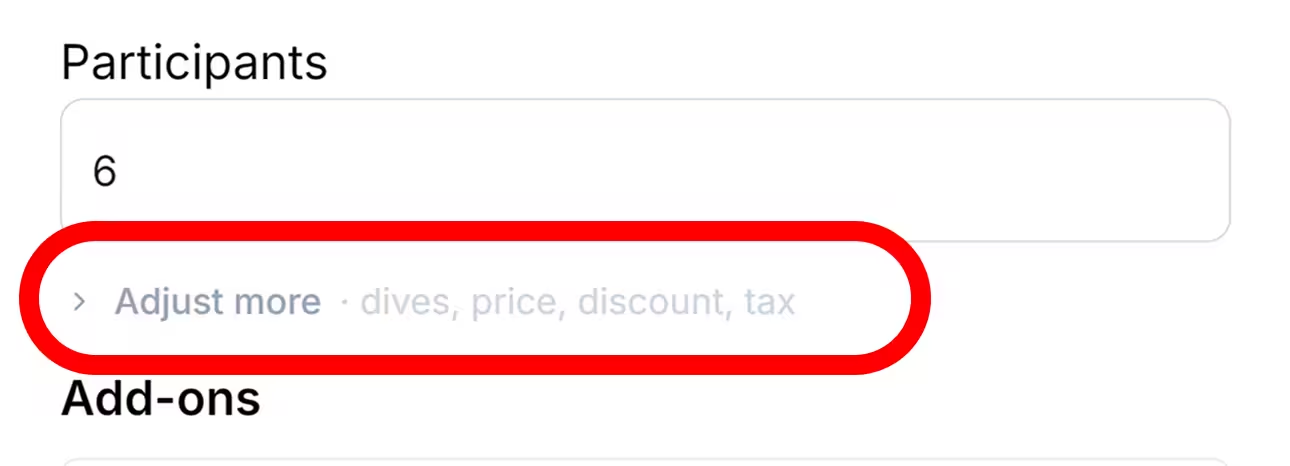
When adding an activity or another item to a booking, select Show more in the side panel to access its additional settings. Here you can adjust the price, number of dives, tax, and discount before adding the item.
How to Adjust the Values
Section titled “How to Adjust the Values”- Open the booking and start adding the activity or product.
- Select the rate or product you want to add.
- In the side panel, select Show more.
- Update the price, number of dives, tax, or discount as required.
- Review the resulting amount and add the item to the booking.
Why Are These Fields Under Show More?
Section titled “Why Are These Fields Under Show More?”The fields are grouped under Show more to keep the side panel focused on the information used most often. They remain available whenever you need to override or refine the pricing details for the item being added.