Ocean Tribe _ Support Page
This support page will contain all the questions, videos, and discussed subjects from the moment you started using our platform. Every recording or point of unclarity will be added here, so you can always use this page as your reference.
On the right, you’ll find page navigation, making it easy to jump to any desired section on this page.
On the left, you can access all documents in our documentation hub.
Navigation buttons to quickly navigate to:
- Diversdesk’s top priority tickets, providing real-time insights into what has just been released, what we’re currently working on, and what’s coming next.
- Your personal priority ticket list, where you can track all the requests you’ve made. (Becomes avaialble when there’s pending requests)
- Your Diversdesk environment ‘My Page’
Your Subscription
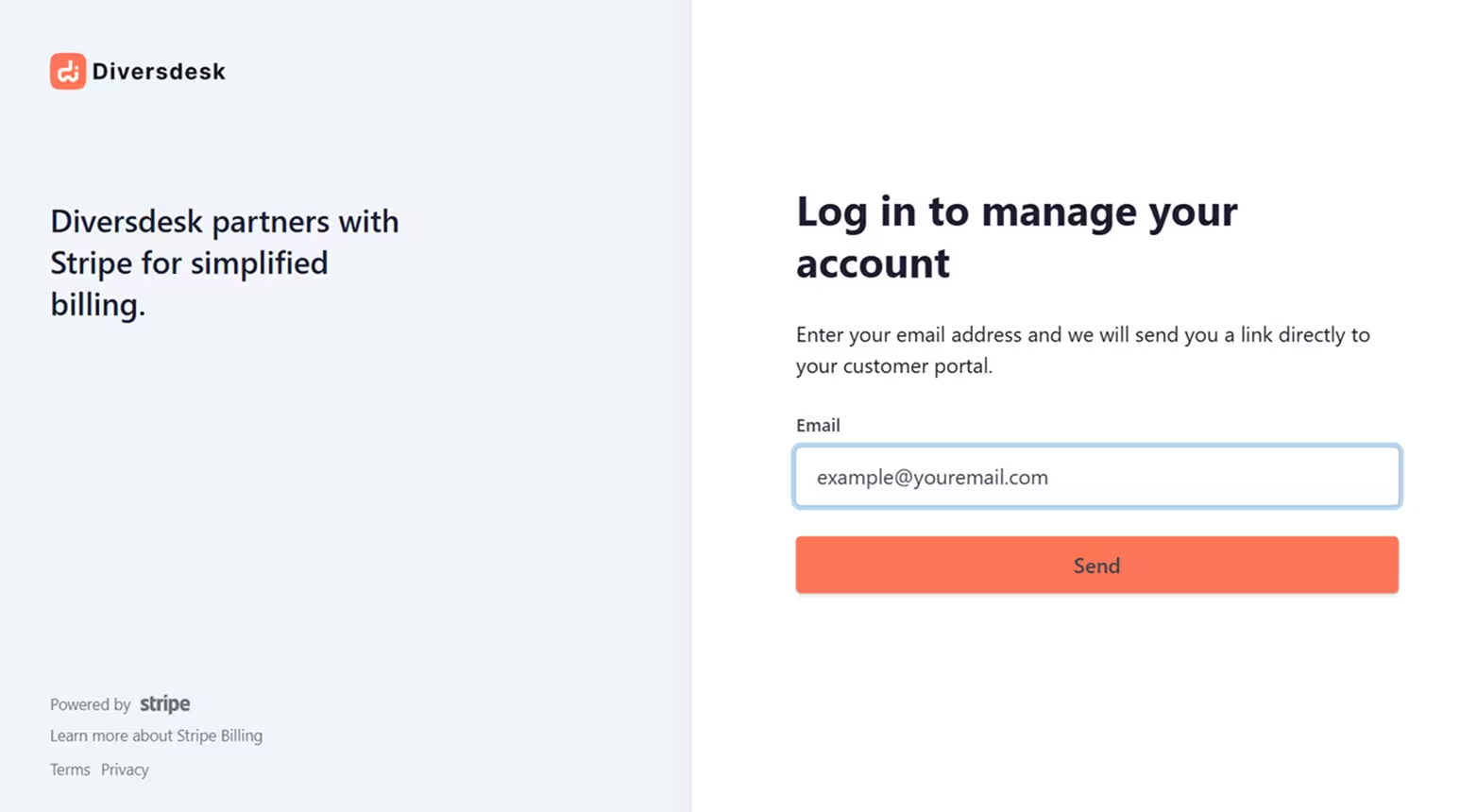
Section titled “Your Subscription”You can view current subscription, invoices and billing term using This URL
Please note: You will have to login using the email you provided during sign-up to access your account.
Complementary training
Section titled “Complementary training”You’ll receive 2 hours of complimentary training from us. You’re welcome to use this in a single session or split it into two 1-hour sessions. We recommend using the first training after you’ve become a bit accustomed to the platform, and the second at a later stage where we can walk you through shortcuts and focus on workflow optimization.
On-Demand Videos
Section titled “On-Demand Videos”1. Creating Multi-Language Terms & Conditions
Section titled “1. Creating Multi-Language Terms & Conditions”2. Customizing Onboarding Journeys
Section titled “2. Customizing Onboarding Journeys”Other Videos
Section titled “Other Videos”Diversdesk in 10 minutes
Section titled “Diversdesk in 10 minutes”This 10min video walks you quidk rundown through Diversdesk’s workflow and main features.
Scheduling a 2nd trip in a day
Section titled “Scheduling a 2nd trip in a day”This is a great way to schedule a 2nd trip for divers that e.g. engage in a pool session in the morning and open water dive in the afternoon.