Video Training
Choose a tutorial to watch the relevant workflow in full.
Environment Setup and First Booking
Set up a Diversdesk environment and create the first booking.

New Planner Masterclass
NewLearn the new Planner's drag-and-drop scheduling, bulk editing, staff assignment, and operational views.
Utilizing the 3 Onboarding Methods
Learn when and how to use each Diversdesk onboarding method.

Using Trip Templates
Create consistent, reusable trip schedules with trip templates.

Setting Up a Trip Manifest List
Build and manage a trip manifest list for a planned activity.

Customer Onboarding A to Z
Configure and run the complete customer onboarding workflow.

User Roles and Rights
Assign user roles and control access rights for the team.

Retail Module Tutorial
Use the Diversdesk retail module for stock and point-of-sale workflows.
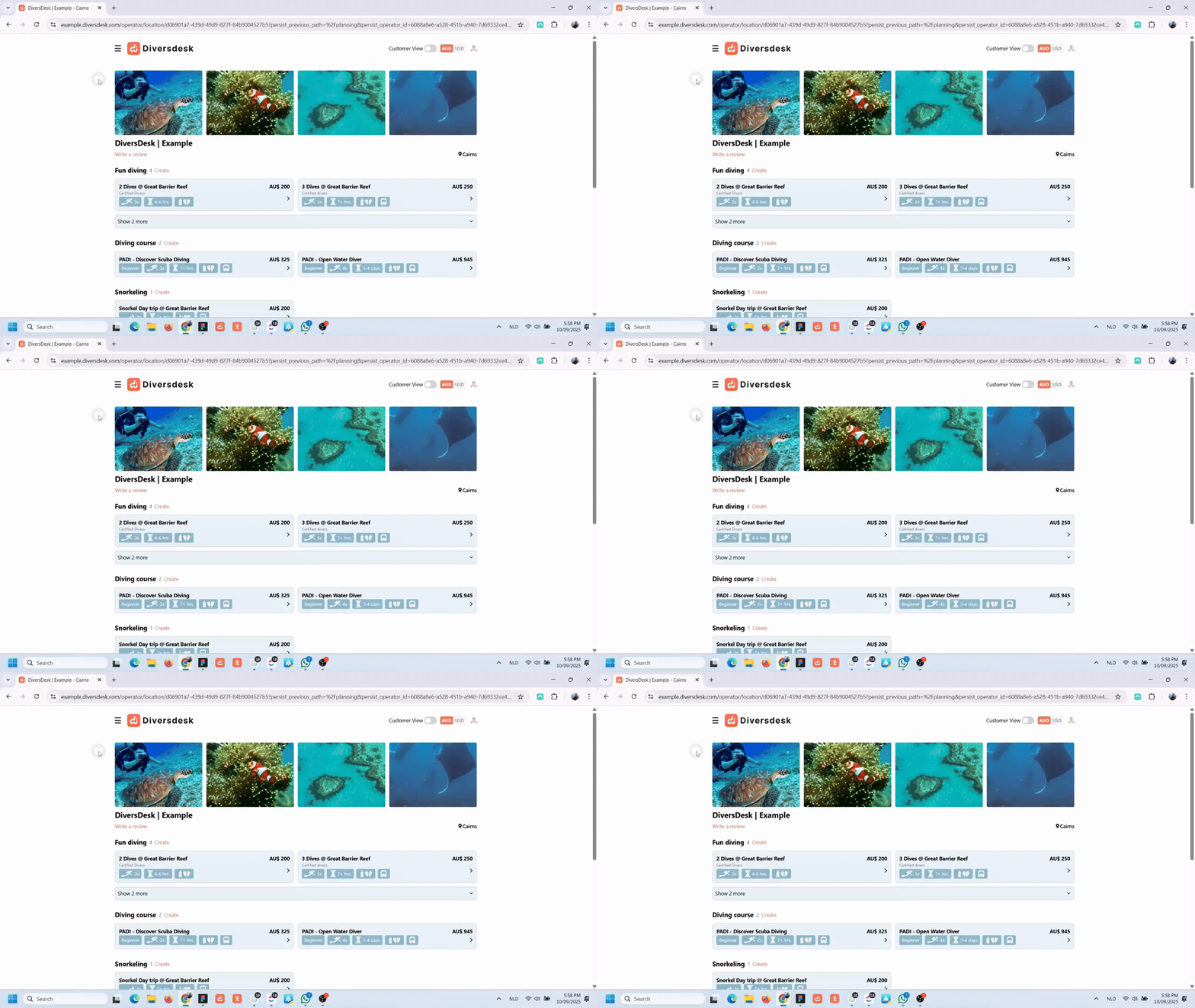
Connecting to QuickBooks
Connect Diversdesk to QuickBooks and prepare the integration.
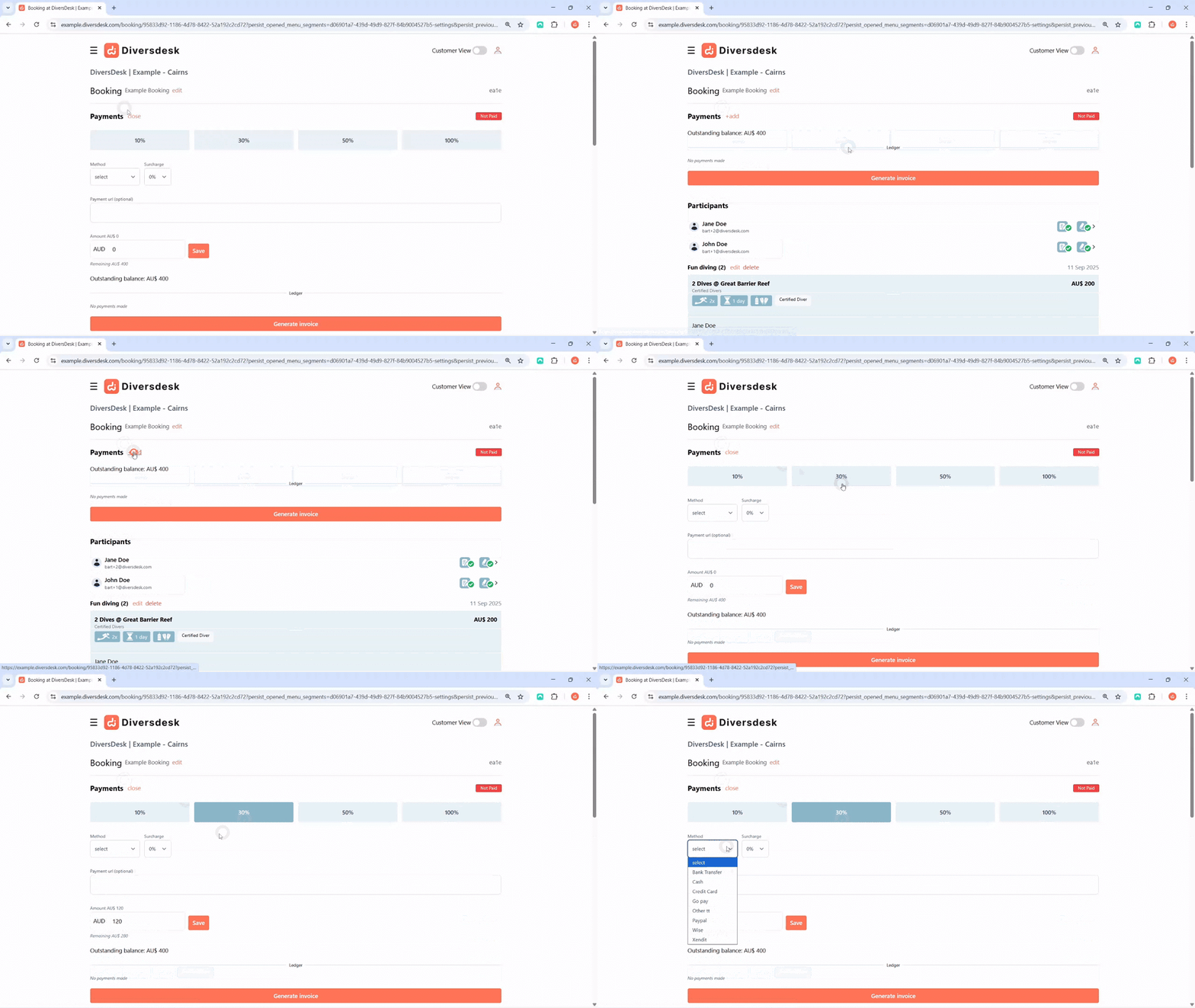
The QuickBooks Workflow
Follow the Diversdesk workflow for day-to-day QuickBooks use.

Using Alternative Payment Methods
Record payments made outside the configured payment gateway.
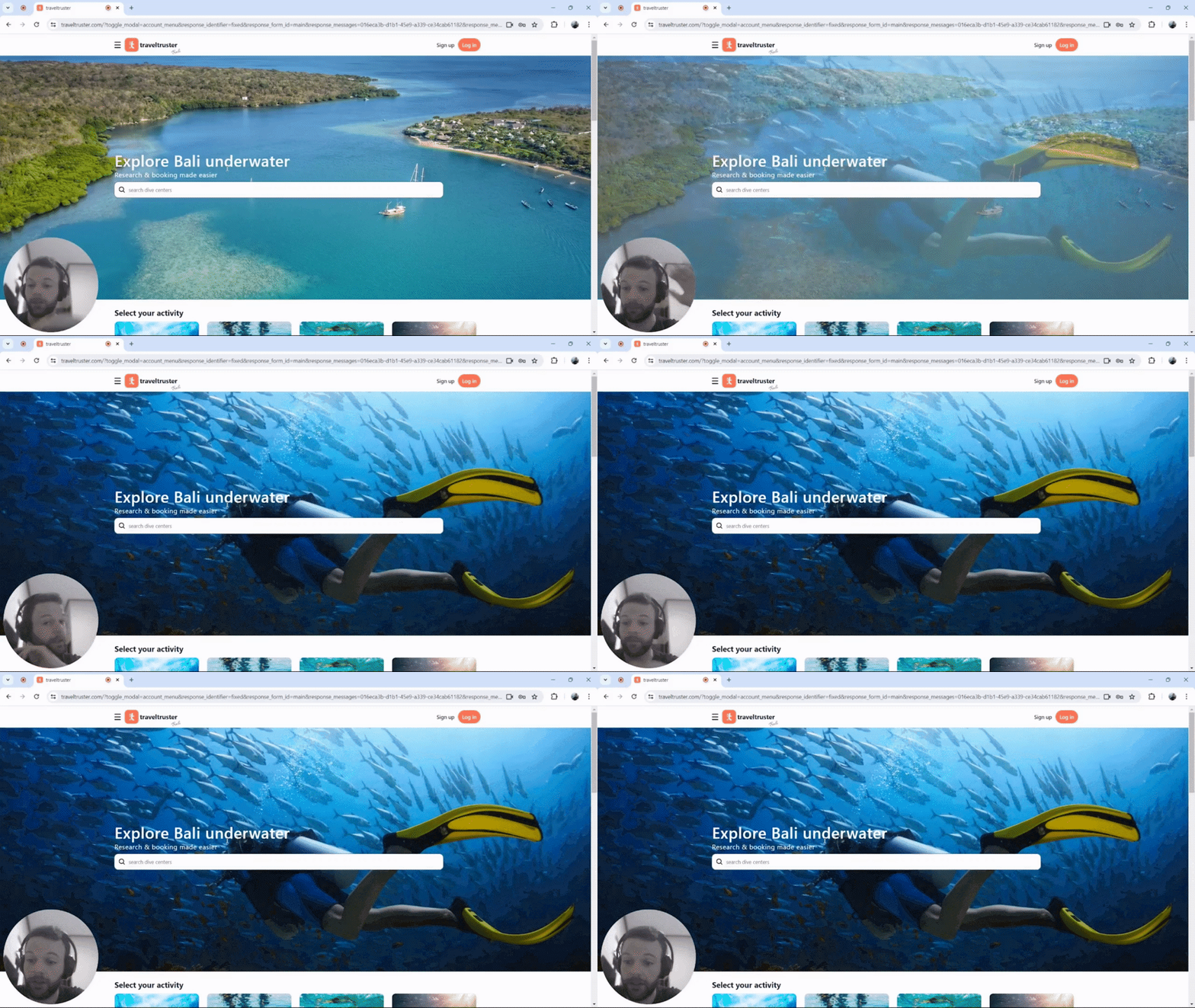
Getting Started with Diversdesk
Set up your environment, create products and courses, and configure customer onboarding.
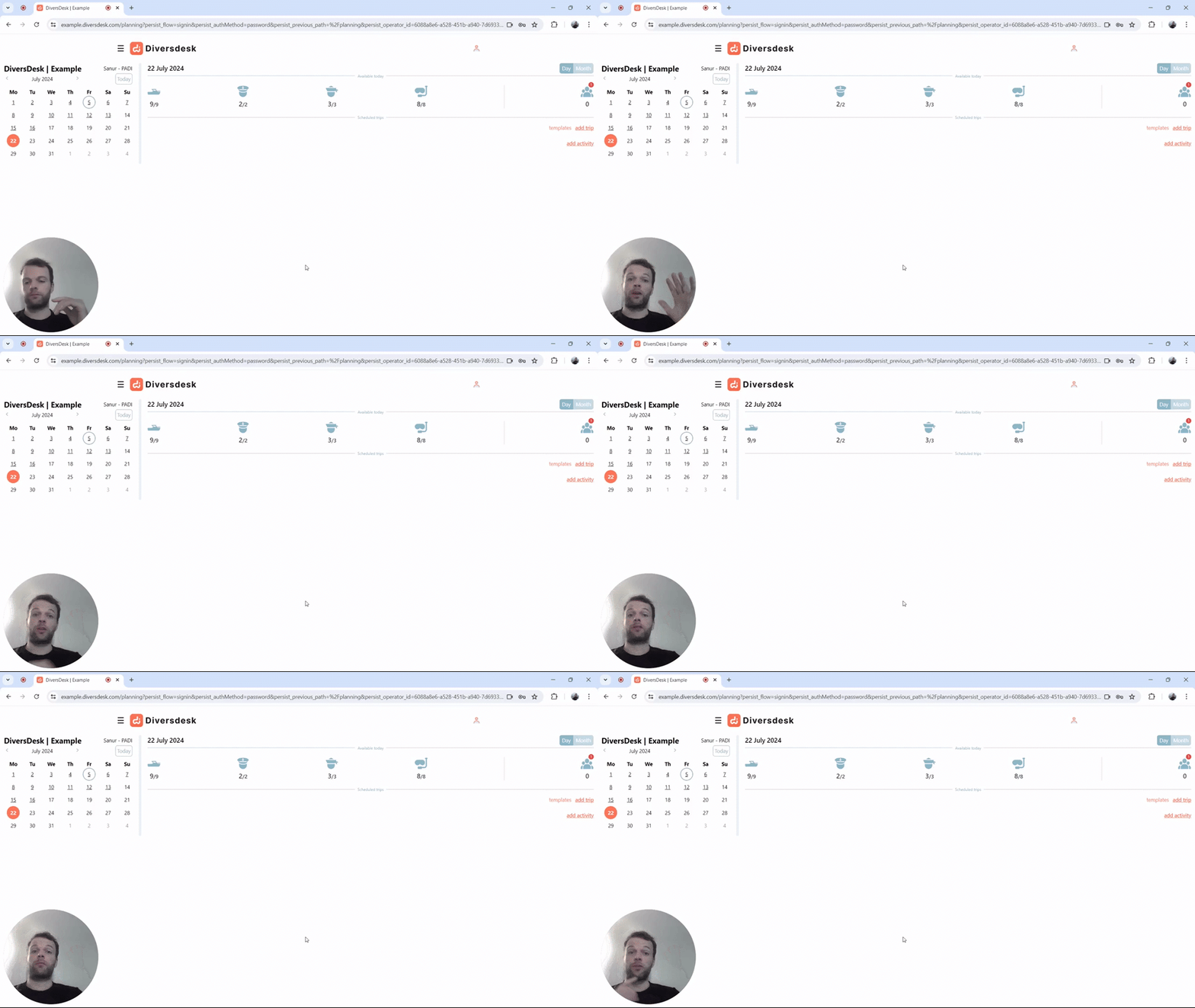
Planning and Scheduling Tutorial
Plan activities and trips, schedule participants, and manage multi-day bookings.