28 Aug 2026 - AI Help, Calendar & Booking Improvements
Release Date: August 28, 2026
This release makes several everyday Diversdesk workflows clearer and easier to use.
The in-app AI help experience can now stay open while you work, the accommodation calendar can show a full 30 days, choosing a new calendar date is clearer, and booking workflows are more dependable.
Updates in This Release
Section titled “Updates in This Release”- Improved AI help: continue conversations with follow-up questions, read clearer formatted answers, submit with Enter, and pin the help panel while working elsewhere in Diversdesk.
- 30-day accommodation calendar: switch between 14-day and 30-day views and move through longer periods more quickly.
- Clearer accommodation date selection: choose a new calendar range in a responsive date dialog, review nearby months, and confirm your selection when you are ready.
- Cleaner activity creation panel: booking details stay grouped together, pricing and add-on controls remain available in the right situations, and configured add-ons are easier to manage.
- More dependable discount calculations: saved discounts remain visible, while credits and other negative booking lines are included correctly in percentage discount calculations.
Keep AI help open while you work
Section titled “Keep AI help open while you work”The in-app AI help experience now supports continued conversations instead of treating every question as a separate search.
You can ask follow-up questions, press Enter to send, and read answers with clearer headings, lists, and links. The help panel can also be pinned beside the page, making it easier to follow instructions while completing the related task in Diversdesk.
The layout has been refined for smaller screens as well, so the same conversation is easier to use across desktop and mobile devices.
Review a full month of accommodation availability
Section titled “Review a full month of accommodation availability”The accommodation calendar now includes a 14-day / 30-day toggle.
The 30-day view makes it easier to review longer stays, future availability, and room occupancy without moving through the calendar two weeks at a time. Calendar navigation follows the selected range, so you can also move forward or backward by the full visible period.
Choose accommodation dates more easily
Section titled “Choose accommodation dates more easily”Selecting a new date range from the accommodation calendar now opens a clearer, responsive calendar dialog.
The dialog makes it easier to review nearby months, keeps the selected range visible when it continues into another month, and uses smoother month-to-month navigation. Your chosen range remains in view while you compare dates, and you can close the dialog with Done when you are ready.
A cleaner activity creation panel
Section titled “A cleaner activity creation panel”The panel for adding an activity to a booking has been reorganized so related information stays together.
Meeting details, customer messages, internal notes, booking source, and customer price visibility now form one clearer booking section. Pricing and add-on controls also keep their layout when a rate is selected, and the add-ons section remains available whenever the establishment has add-ons configured.
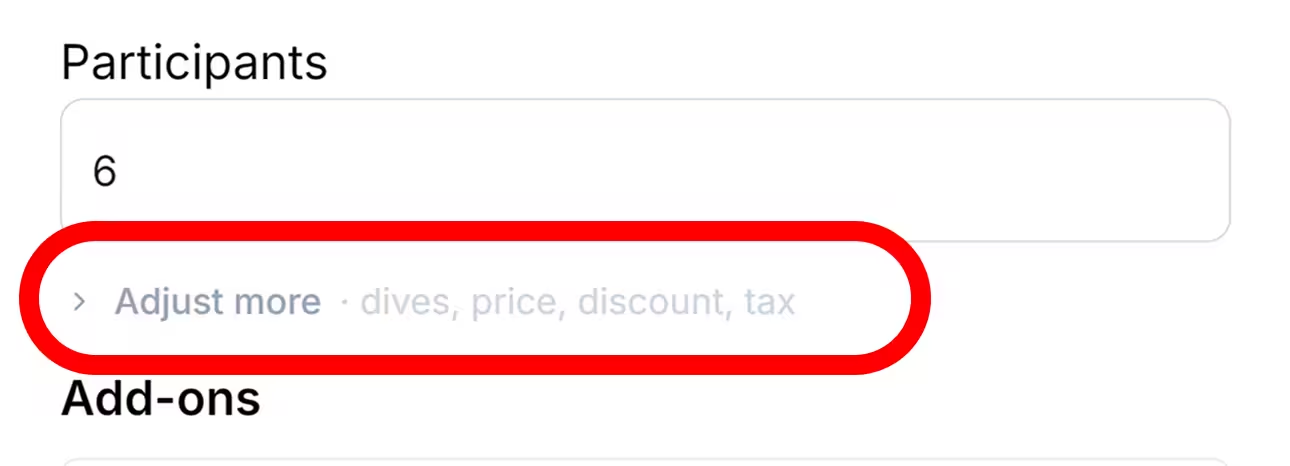
This reduces the need to search through the panel and makes it clearer which settings belong to the booking, price, or optional extras.
Need to change these values while adding an item? See how to adjust the price, number of dives, tax, or discount from the Show more section.
Discount Calculator Refinements
Section titled “Discount Calculator Refinements”We have refined two situations in the discount calculator.
Discounts previously applied to items outside a rule’s current scope now remain visible on the bill instead of disappearing after they are applied.
Percentage discounts can now also be applied to negative line items, such as credits or negative adjustments, reducing the total discounted amount accordingly.